You can now access your support tickets and contact our team without leaving Dcycle.
A red indicator will appear next to the help icon when you have tickets with unread responses.
Access the support portal via the help icon in the left sidebar.
 · · 1 min read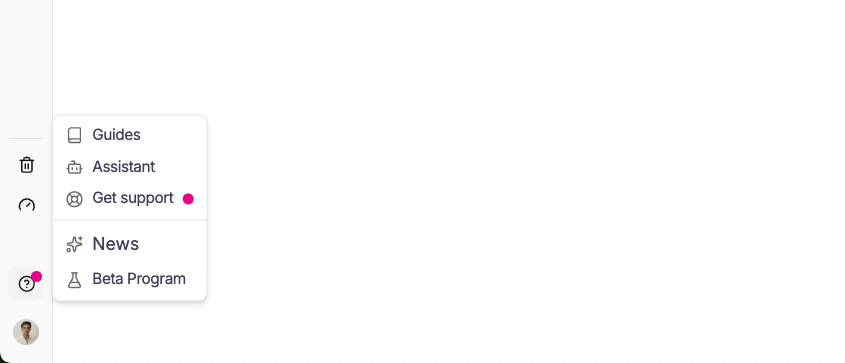
Need expert guidance?
Dcycle combines automation with hands-on advisory to simplify your compliance.
Talk to our teamSee how Dcycle can cut your reporting time by 70% and give your auditors what they need , the first time.
See Dcycle in action