
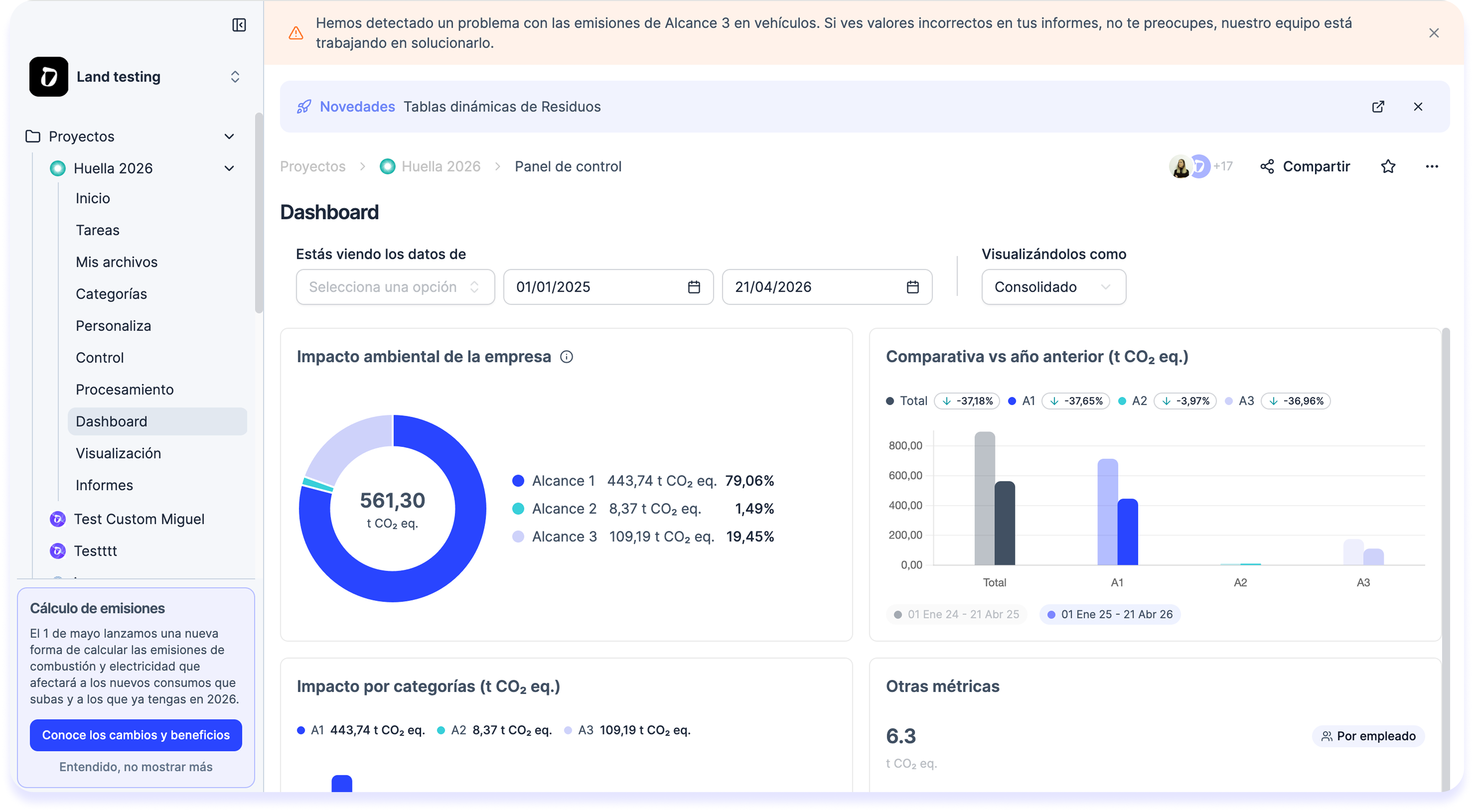
Until now, the carbon footprint Control Panel lived on the home page, outside any project. To check your dashboard you had to leave the project, and to keep working on the project you had to go back in. Two places for one single thing.
What has changed?
The classic Control Panel is now a tab inside your GHG Protocol project. The same dashboard as always, with the same visualizations — but alongside the data, controls, and downloads of the project it belongs to.
How do I use it?
Inside your GHG project → Dashboard tab.
- If you already had a GHG project running, your Control Panel now appears inside the project under the Dashboard section.
- If you were using the Control Panel but didn’t have a project created, we have automatically created a GHG project for you so you can go straight in and keep viewing your dashboard where you always have — without losing anything.