
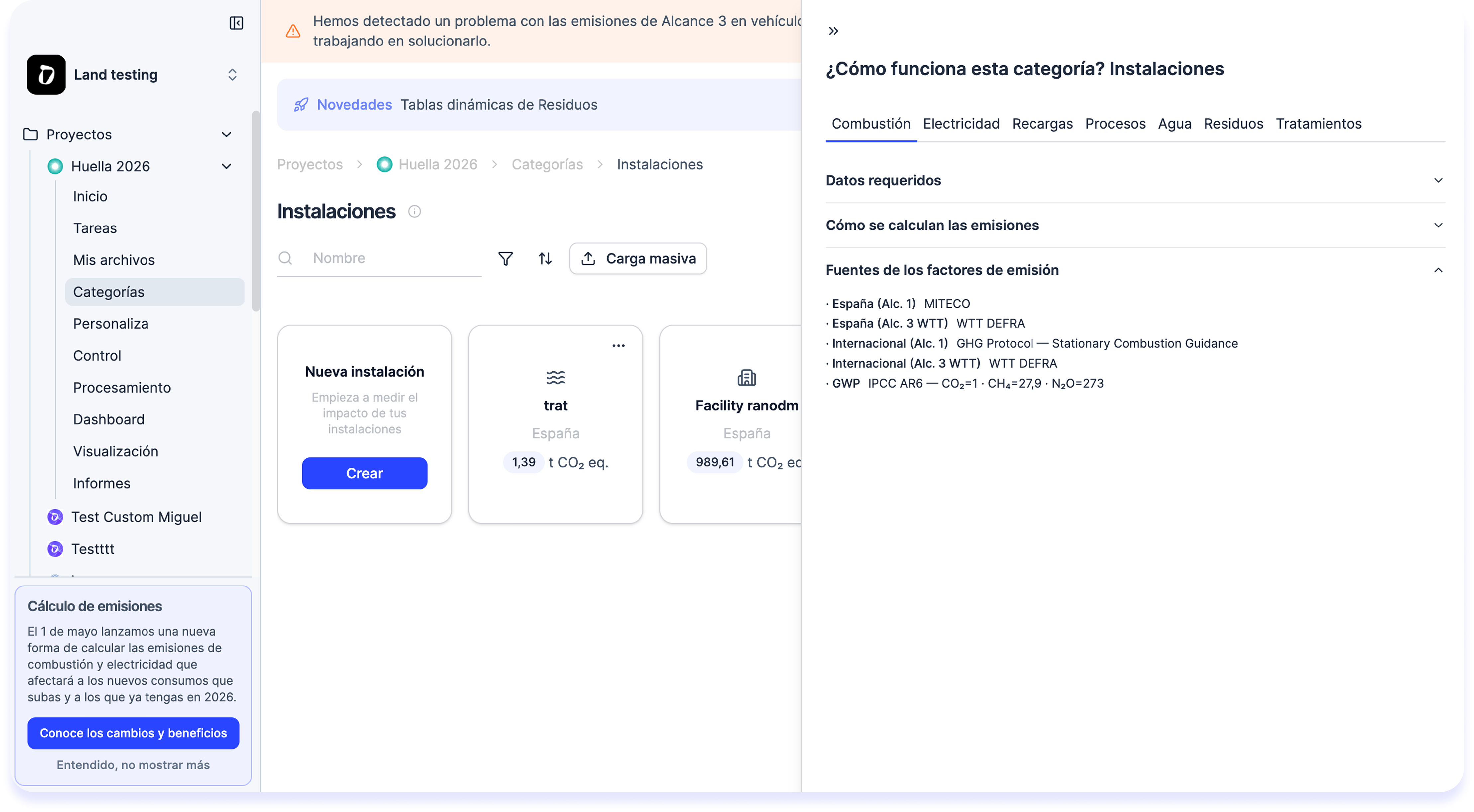
Until now, when you entered a data category there were no clear hints: which specific data to upload, which formula was used to calculate the result, or which emission factor was applied. The answer came by email two days later.
What has changed?
Inside each category of your GHG project you now see:
- What data you need to upload and how
- Which KPIs are calculated with that data
- The complete formula
- The emission factor Dcycle applies Transparent methodology, always one click away.
How do I use it?
Inside your GHG project → Data categories → Info button next to the title → you’ll see the data to upload, the formula and the emission factor applied.
This way both you and your team can access the calculation details at any time — whether at the start of the project or during verification.