

Data

Visualizations directly van uw Excel

Vanesa García avatar Vanesa García · · 1 min leestijd
Visualizations directly van uw Excel

Photo by Clay Banks on Unsplash

If you usually spend a lot of time building tables and charts for sustainability reports, carbon footprint calculations, or internal analysis, this update will make your workflow much easier.

📊 Automatic visualizations from Excel

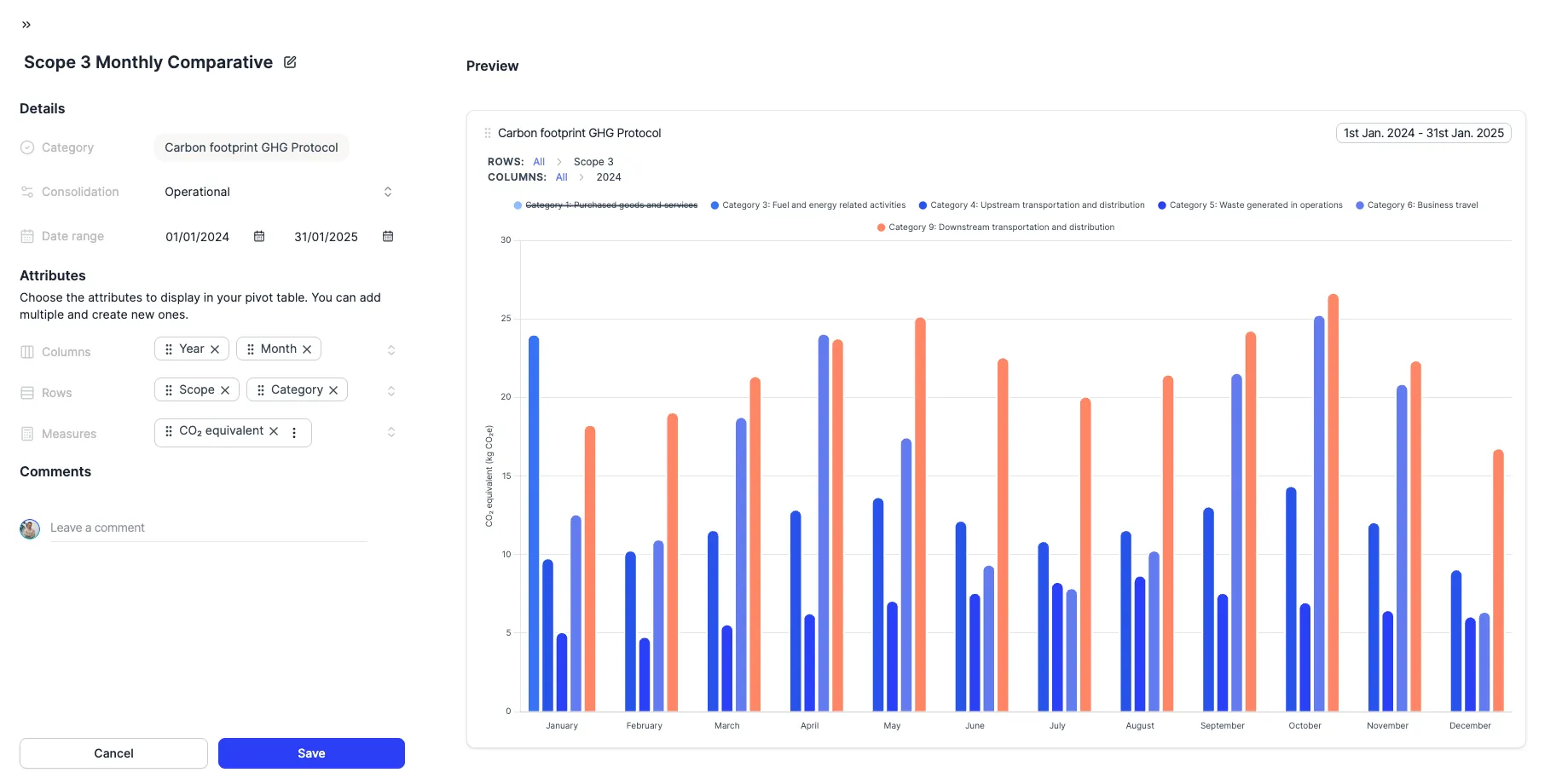
When you upload your Excel file, Dcycle generates ready-to-use visualizations so you can:

  • See your data automatically updated after processing
  • Avoid complex manual configurations
  • Analyze results with flexibility and detail before reporting

✨ How does it work?

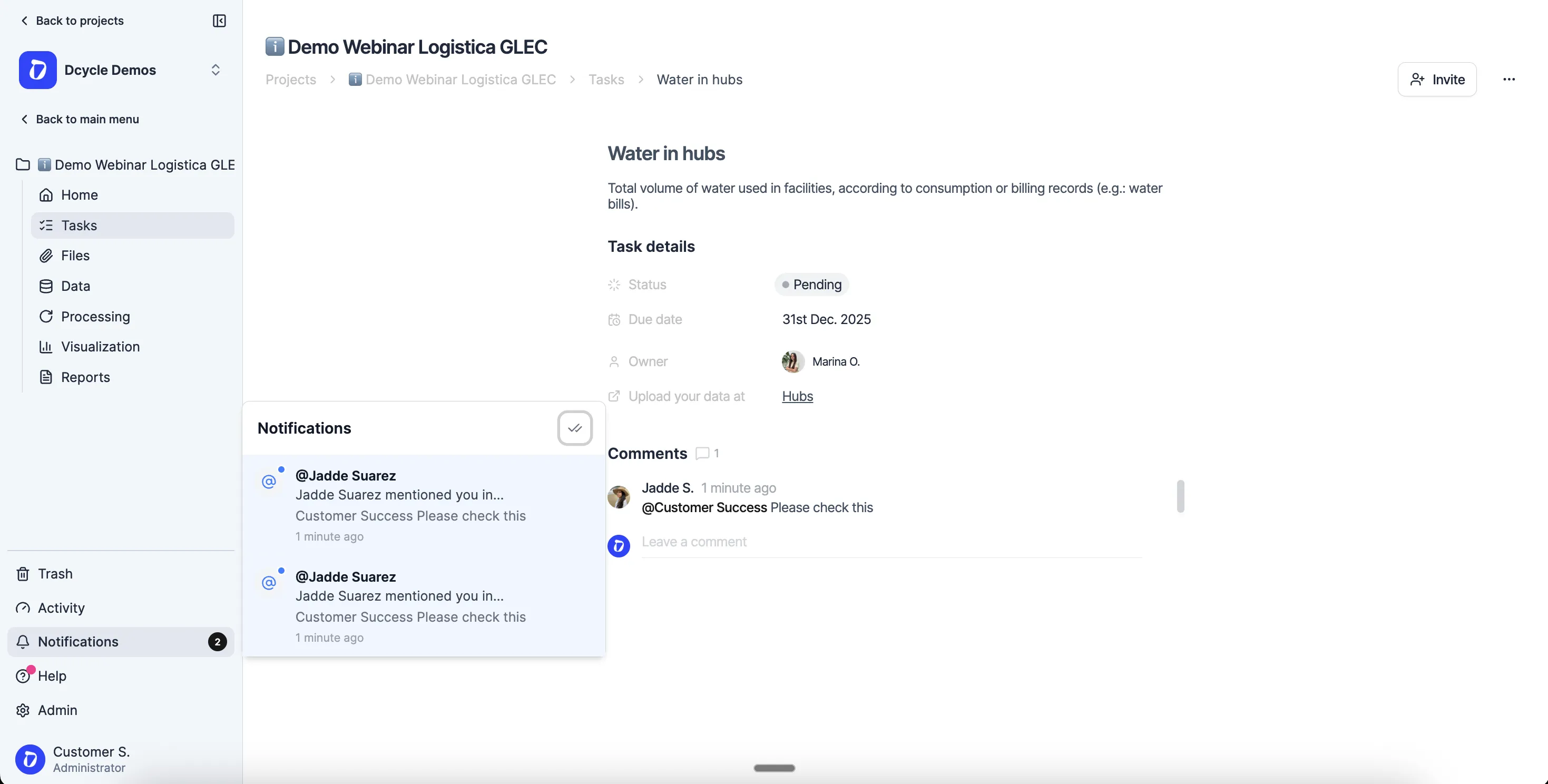
Simply upload your Excel file from the Visualizations section and Dcycle will automatically create the charts. You can then adjust, customize, or create new visualizations based on your needs.
Product UpdateData
Demo van 30 minuten

Bekijk het met uw eigen data.

Dertig minuten met ons team. We laten zien hoe uw data binnenkomt en wat eruit komt.

Demo aanvragen
  • Vrijblijvend
  • Met uw data
  • In uw taal

Zo verloopt uw sessie

  1. 01 U vertelt ons wat er van u gevraagd wordtKlanten, auditors of banken: welke data en voor wanneer. 0–5 min
  2. 02 We laten zien hoe uw data binnenkomtFacturen, ERP, leveranciers: met een voorbeeld dat op het uwe lijkt. 5–20 min
  3. 03 U gaat weg met een planWat u eerst automatiseert en hoeveel tijd u bespaart. 20–30 min
Met iemand uit het team die u daarna begeleidt




