

Data

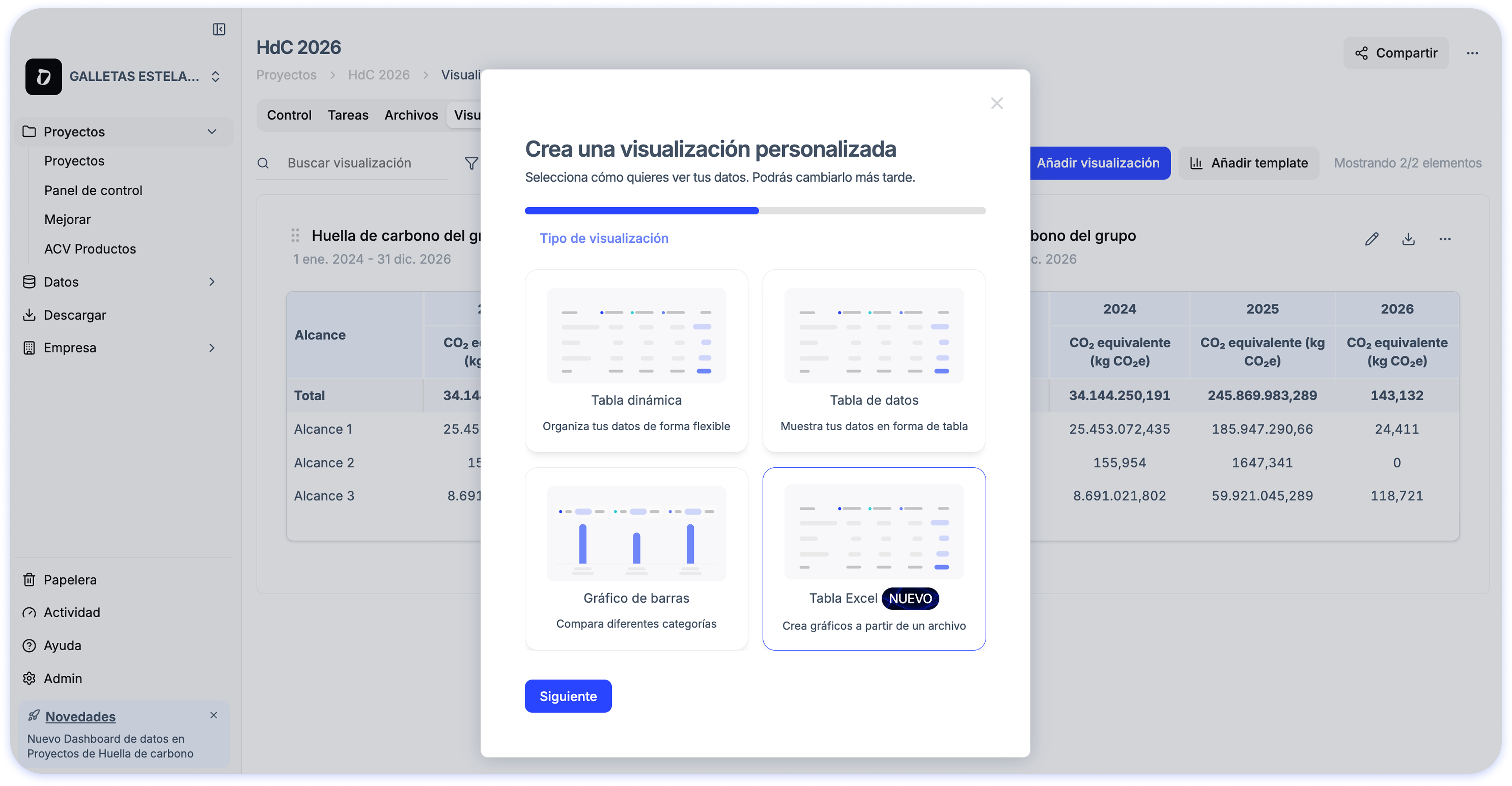
Visualizations directly from your Excel

Vanesa García avatar Vanesa García · · 1 min read
Visualizations directly from your Excel

If you usually spend a lot of time building tables and charts for sustainability reports, carbon footprint calculations, or internal analysis, this update will make your workflow much easier.

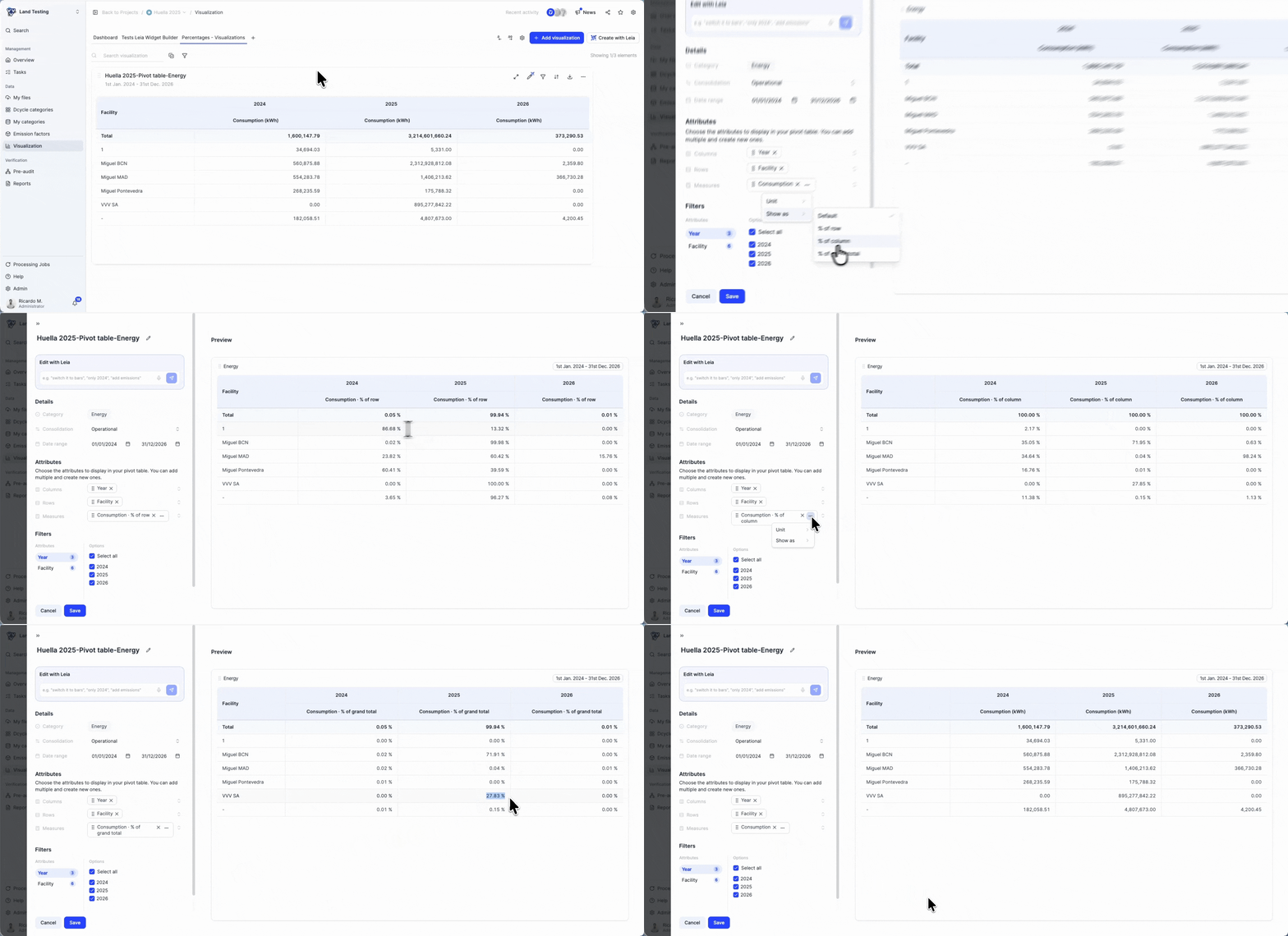
📊 Automatic visualizations from Excel

When you upload your Excel file, Dcycle generates ready-to-use visualizations so you can:

  • See your data automatically updated after processing
  • Avoid complex manual configurations
  • Analyze results with flexibility and detail before reporting

✨ How does it work?

Simply upload your Excel file from the Visualizations section and Dcycle will automatically create the charts. You can then adjust, customize, or create new visualizations based on your needs.
Product UpdateData
30-minute demo

See it with your own data.

Thirty minutes with our team. We show you how your data would come in, and what you would get out.

See Dcycle in action
  • No commitment
  • With your data
  • In your language

What your session looks like

  1. 01 You tell us what you’re being asked forCustomers, auditors or banks: what data and by when. 0–5 min
  2. 02 We show how your data comes inInvoices, ERP, suppliers: on an example close to yours. 5–20 min
  3. 03 You leave with a planWhat to automate first and how much time you save. 20–30 min
With someone from the team who then supports you




