

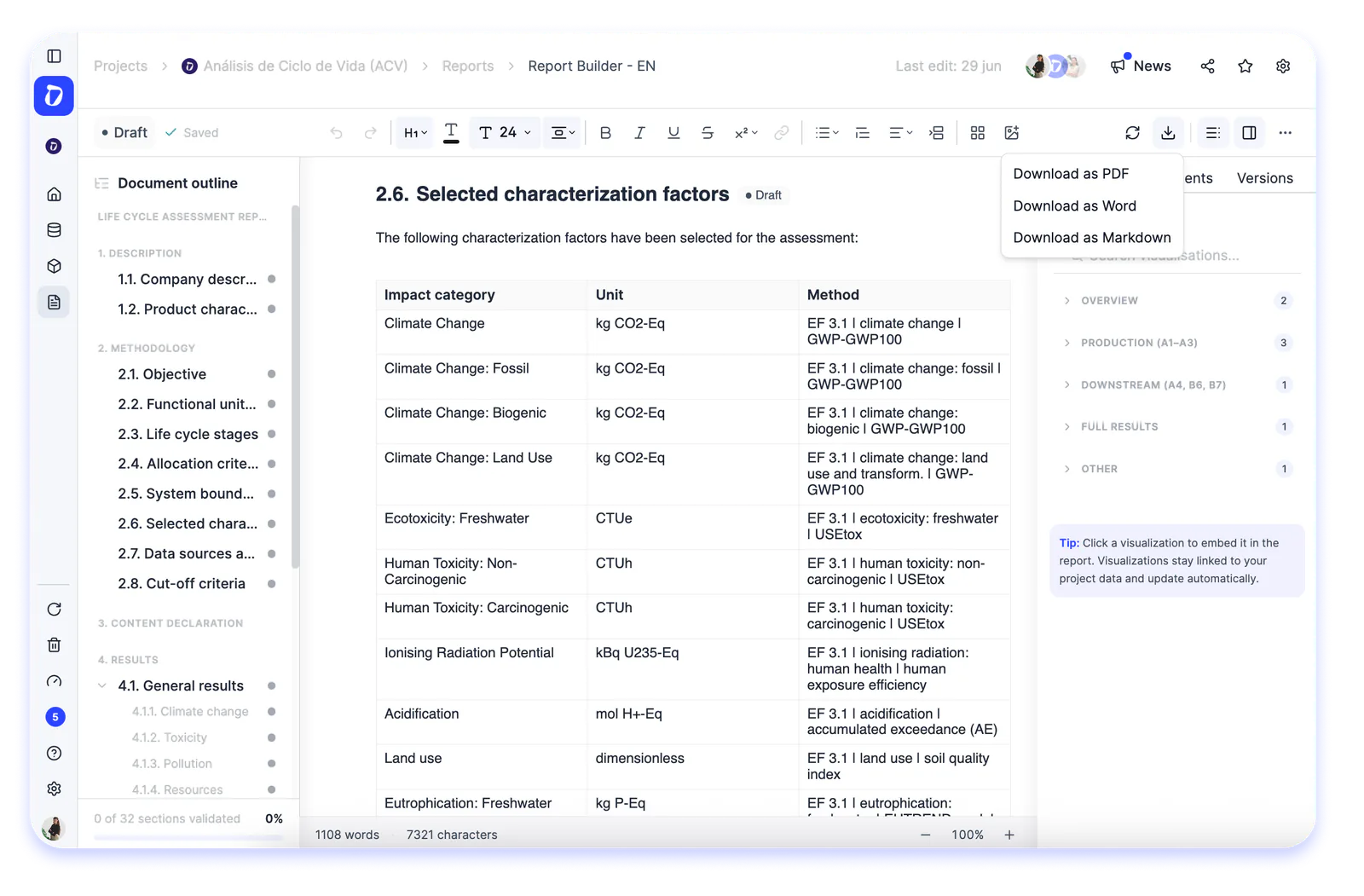

Until now, your LCA results lived in a dashboard or an Excel file, and putting together the final report was manual work done outside the platform. That’s over: the LCA module now includes report generation through the Report Builder.
The flow is very simple:
- Go into your LCA project
- Open the new reports section
- Choose how you want to start: from a default template or from a blank template.
- Then just select the product and the impact categories you want to include, and create the report. Everything is edited within Dcycle’s own Report Builder, with its built-in text editor, and once it’s ready you can download it as a PDF to deliver directly or export it to Word if you’d rather keep working on it.
If you start from the default template, you don’t begin from scratch: it already comes with prefilled data, charts, and text you can use as a base. On top of that, its sections are structured to be compliant with the ISO 14040, 14044, and 14067 standards. From there, it’s as easy as modifying whatever data you need.