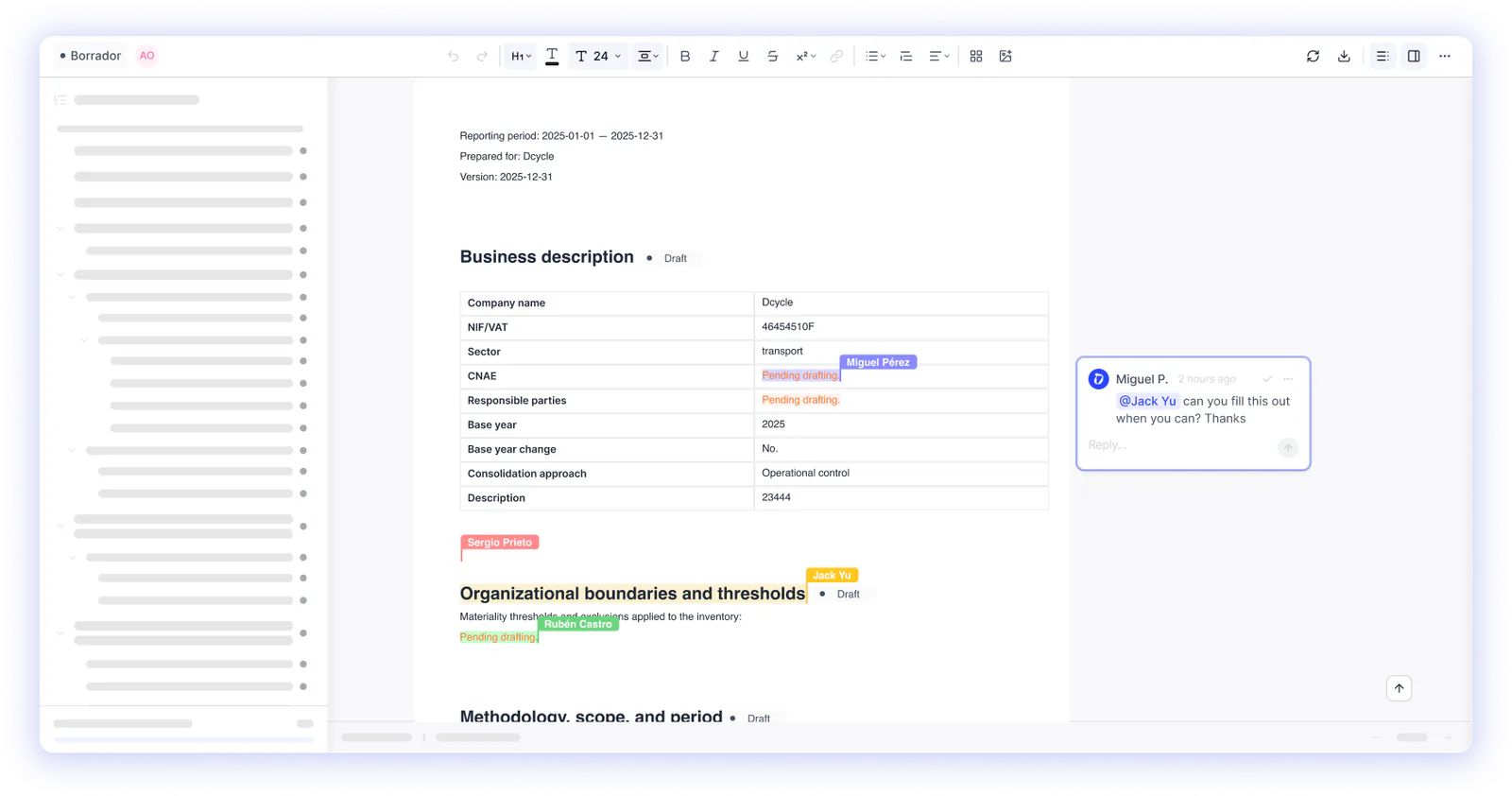

Until now, generating a report was basically just that: an export. We’ve rebuilt it from the ground up so reports are no longer an output file and become a product in their own right, inside your projects.
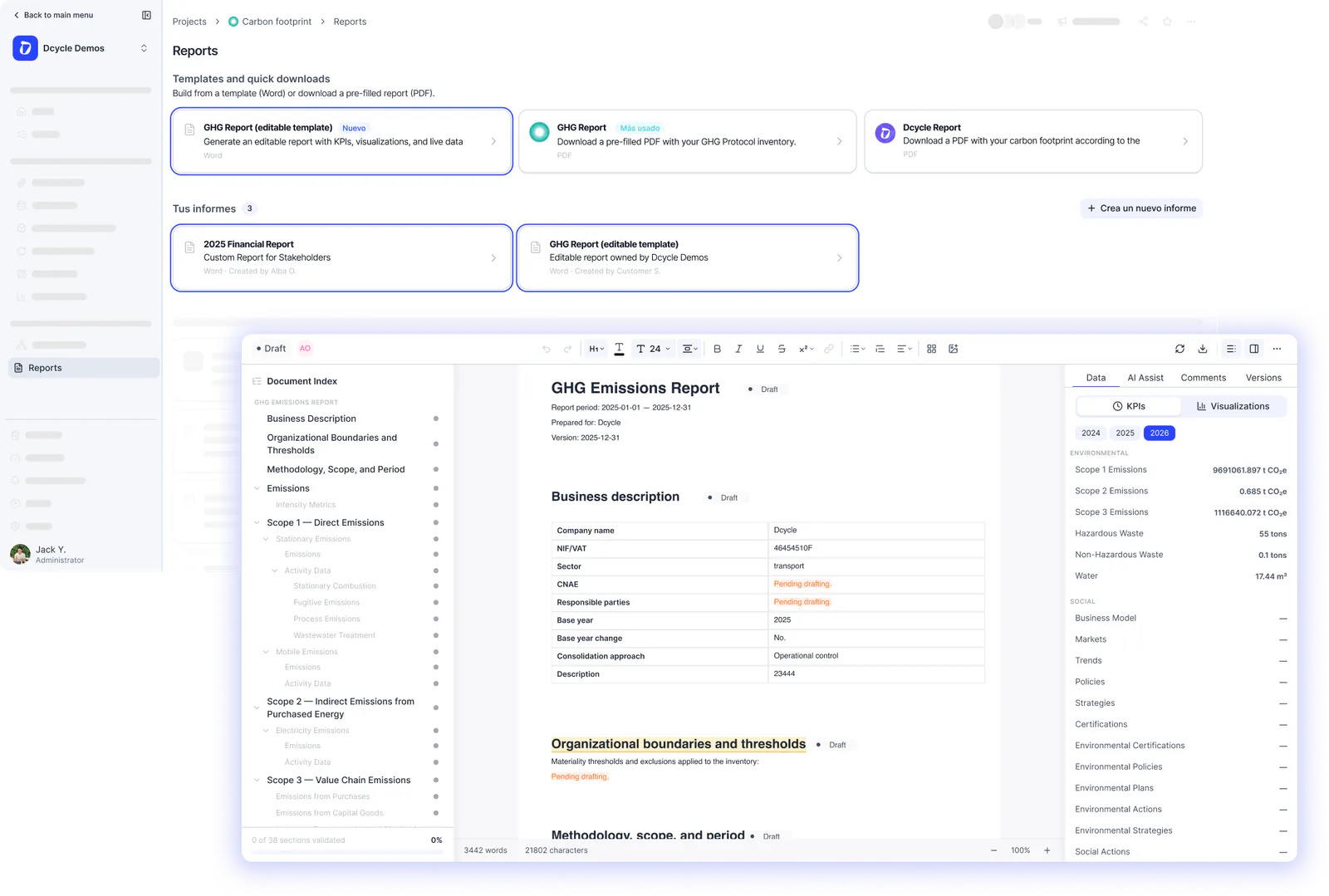
You can now create your GHG report, or any other report, directly from the project, with no intermediate steps or setup to prepare beforehand. You start from a template or from scratch, and the report draws automatically on the data you already have in the platform.
Simple and powerful: from data to report without leaving the project.
Find it in: Projects → select a project → Reports → Create a new report